
iCloud sync, eight languages and trimming
Two updates in the week after launch, 1.1 on October 22 and 1.2 on October 24, took care of the things people asked about first: what happens to my tracks, and can I use it in my language?
Your tracks in your own iCloud (1.1)
- iCloud sync: tracks and waypoints are kept in your private iCloud. They come back after deleting the app or on a new iPhone, and stay in sync across iPhones on the same Apple Account. They don't go through our servers.
- A GPX copy of every track in Files › iCloud Drive › iTrailog, ready to share or open in another app.
- Local times: a hike in Los Angeles shows Los Angeles time, labelled when it differs from your phone.
- Photo matching by location (within 100 m or 500 m of the track) or by time only, with screenshots and screen recordings left out.
Eight languages, iPhone Duo and trimming (1.2)
- Eight languages: English, Simplified and Traditional Chinese, Japanese, Korean, Spanish, French and German. Place names, dates and numbers follow the language you pick.
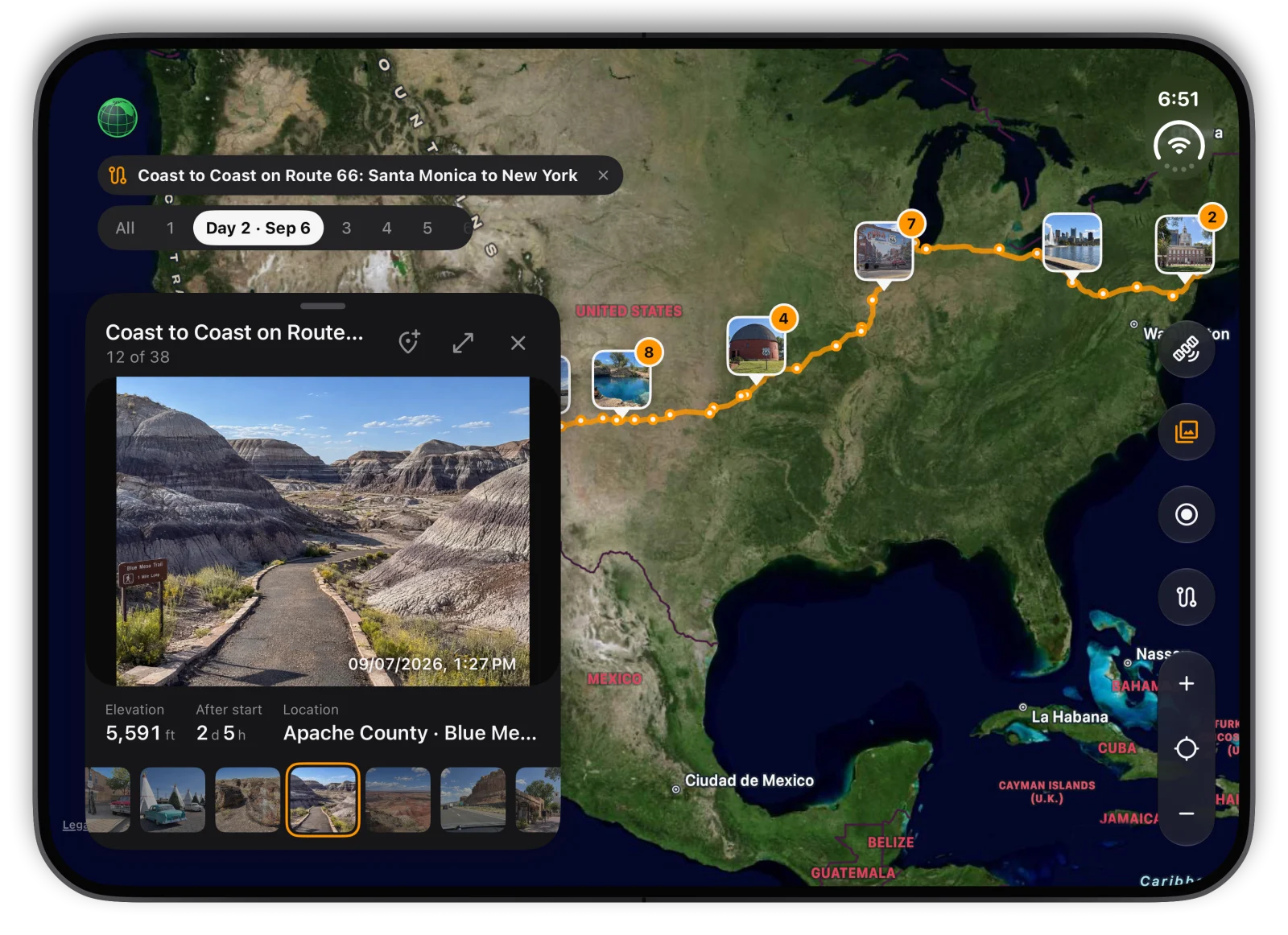
- iPhone Duo: both screens are supported; unfolded or in landscape, a photo opens in a floating card beside the map.
- Trim Track: forgot to stop recording? Set a new start and end on the map.
- Units follow your region: miles and feet in the US, kilometers and meters elsewhere.
Why these first
A track recorder is only worth trusting if your trips outlive your phone, so backup came first. Languages came next because iTrailog was being used around the world from day one. How to use both is in the guides on iCloud backup and trimming a track.